

Find the moment again.
Browse your local copies, albums, folders, and labels in one place.
 PhotoArchieFOR IPHONE
Keep smaller photo and video copies on your device, ready to browse whenever you want. Back up your originals separately, then choose what to remove from Apple Photos to reclaim space.
Free to download · Optional Storage Saver subscription
How it frees space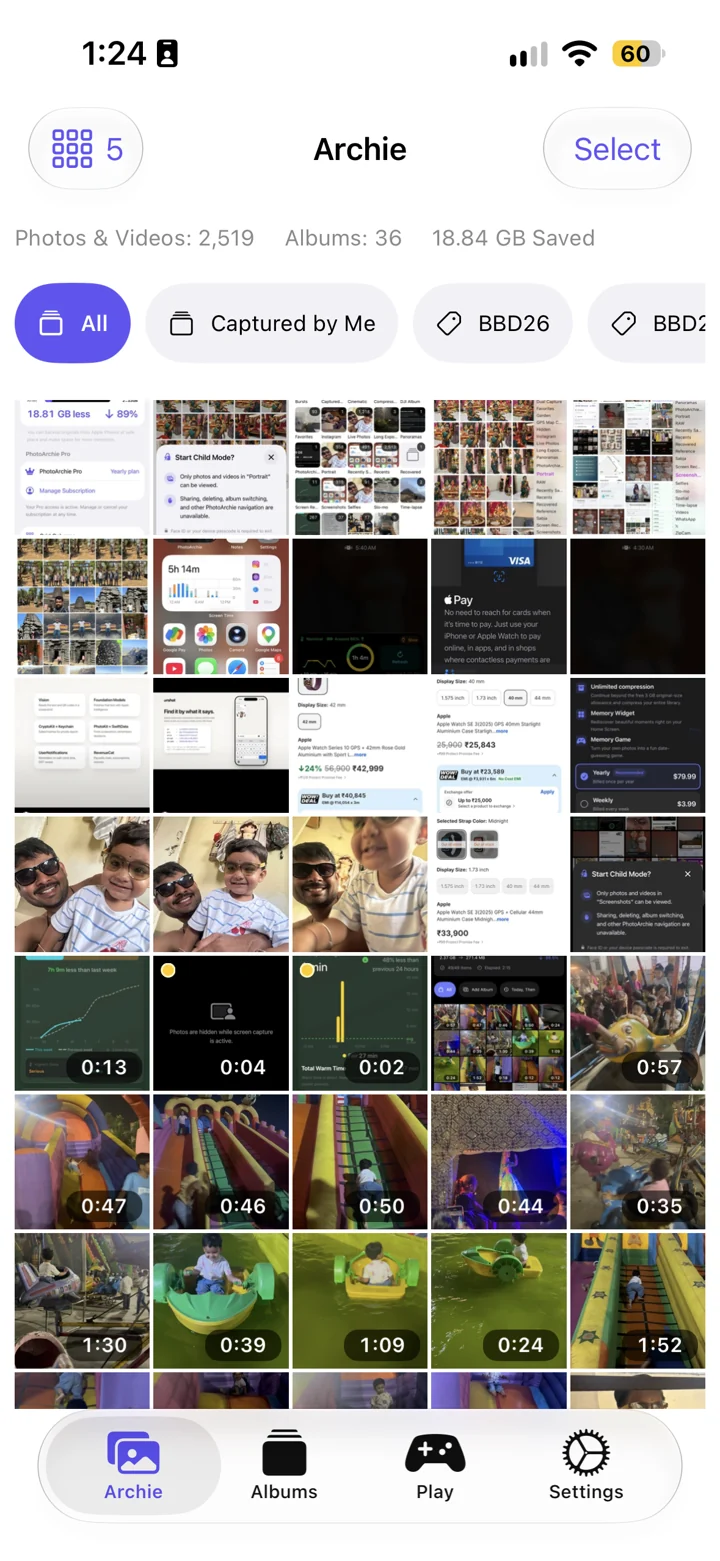
Create lightweight photo and video copies in PhotoArchie.
Browse the results in Archie and Albums.
Keep a separate backup that survives removal from Apple Photos.
Remove backed-up originals in Apple Photos yourself.
Keeping originals and copies uses additional storage. PhotoArchie never deletes Apple Photos originals. With iCloud Photos, deleting an original also affects synced devices; keep your backup separately. Apple explains Photos deletion.
Browse your local copies, albums, folders, and labels in one place.
Use App Lock and optional screen-capture protection. These controls help reduce accidental exposure; keep a separate backup of important originals.
Storage Saver adds Home Screen memory widgets and the When Was This? game.
Storage Saver adds Child and Teen Modes. Use iOS Guided Access to keep the device in the app.
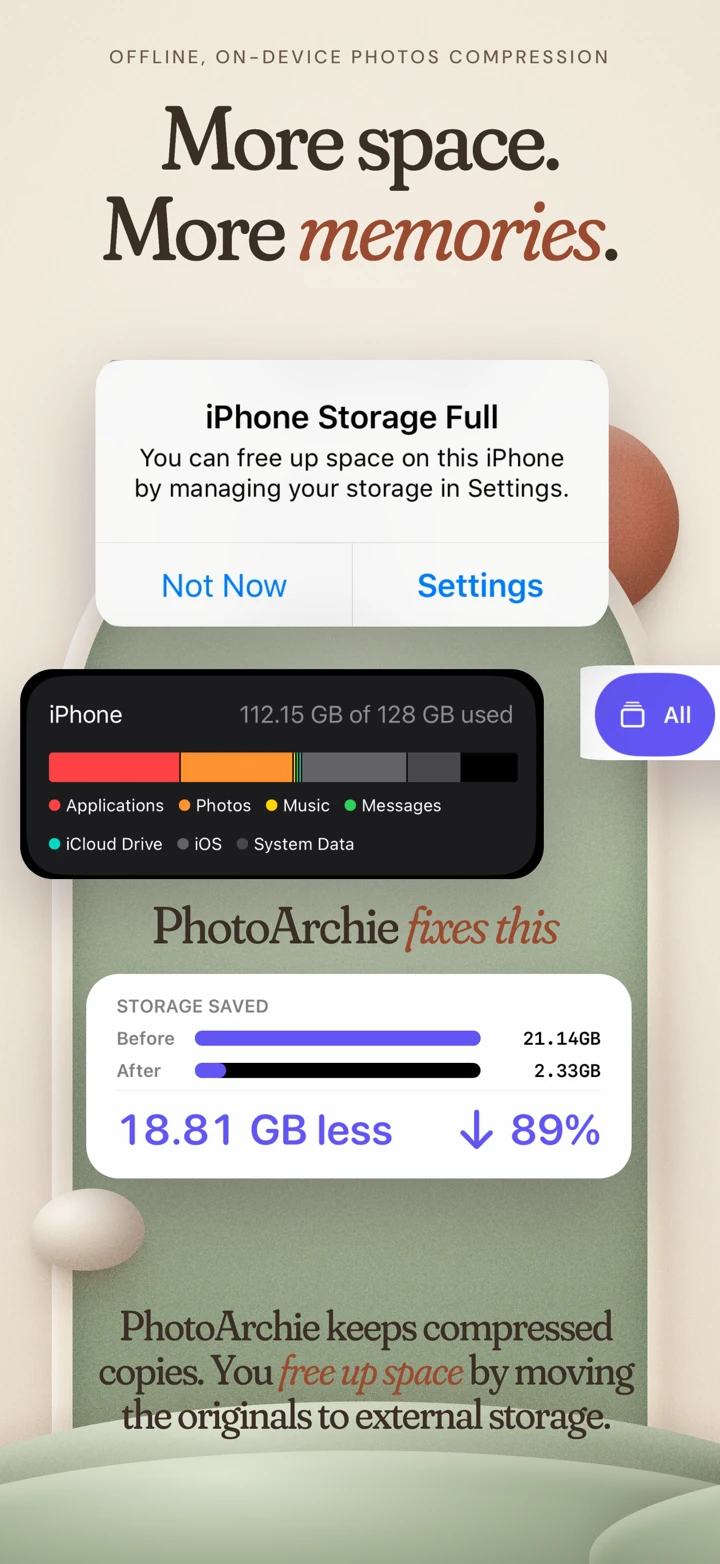
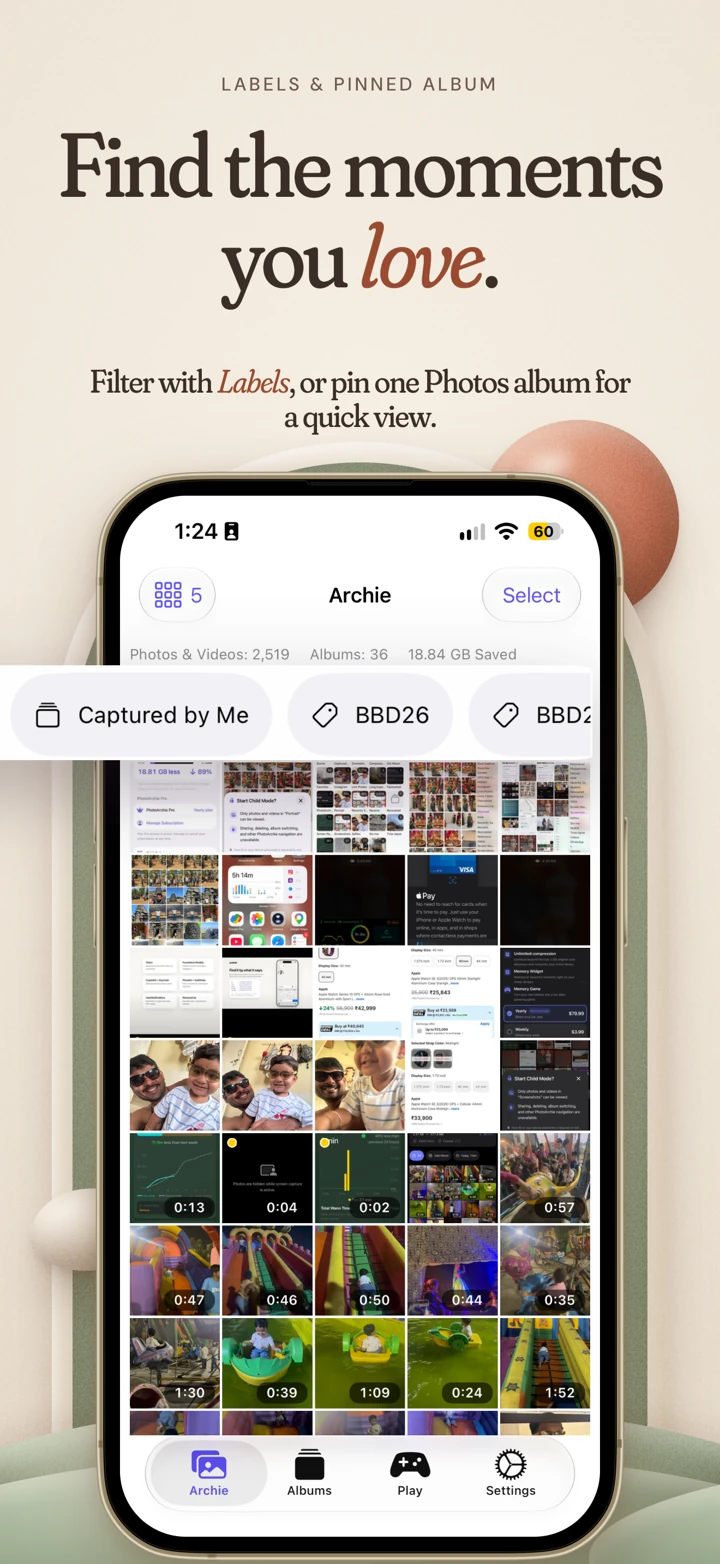
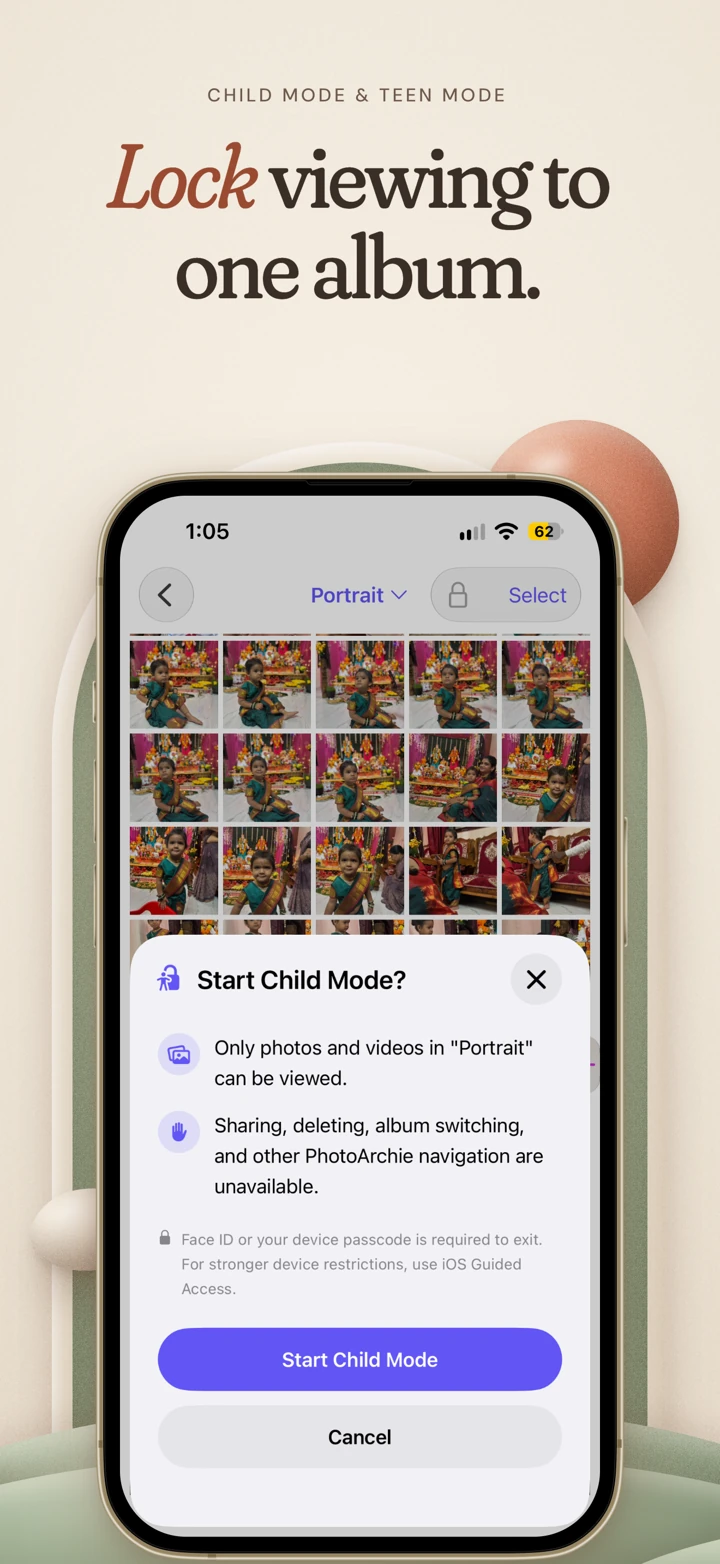
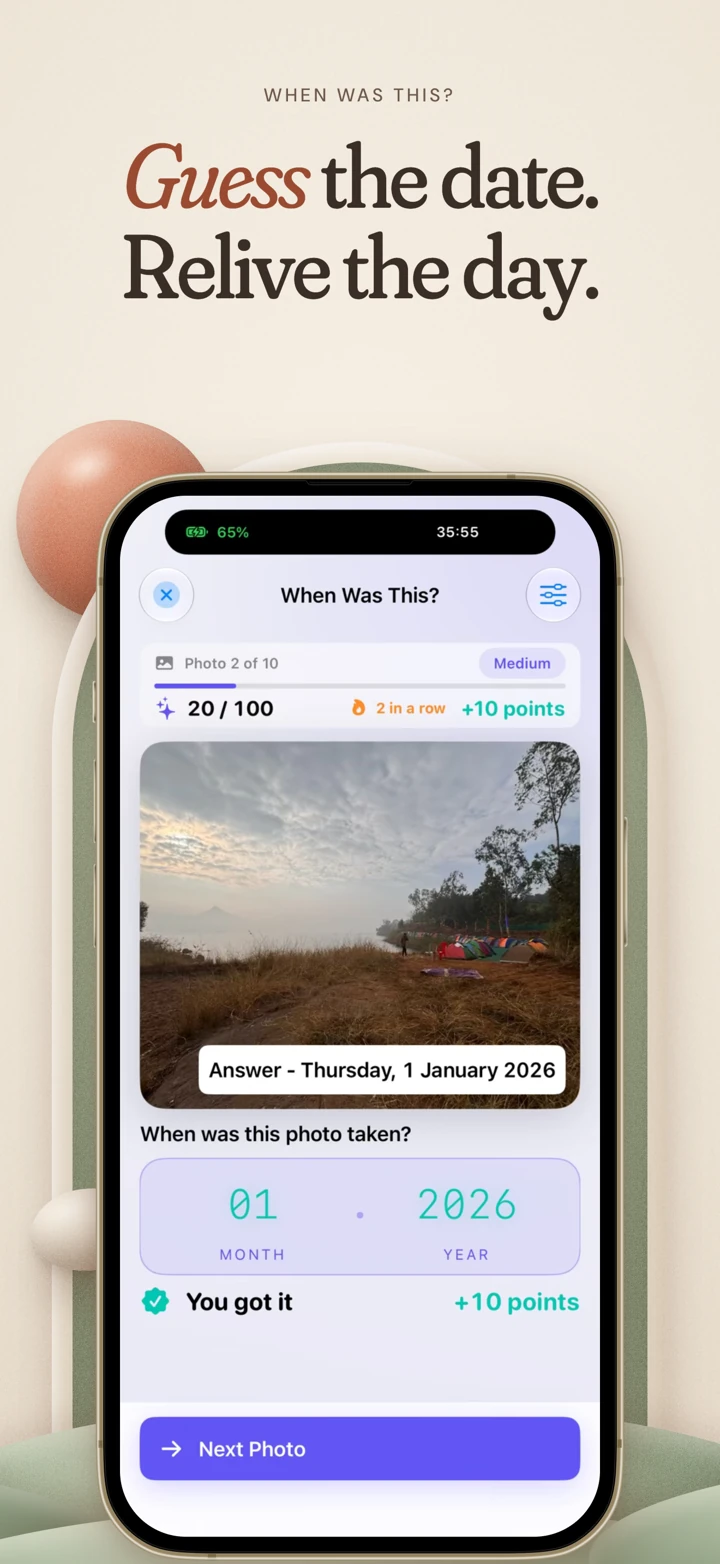
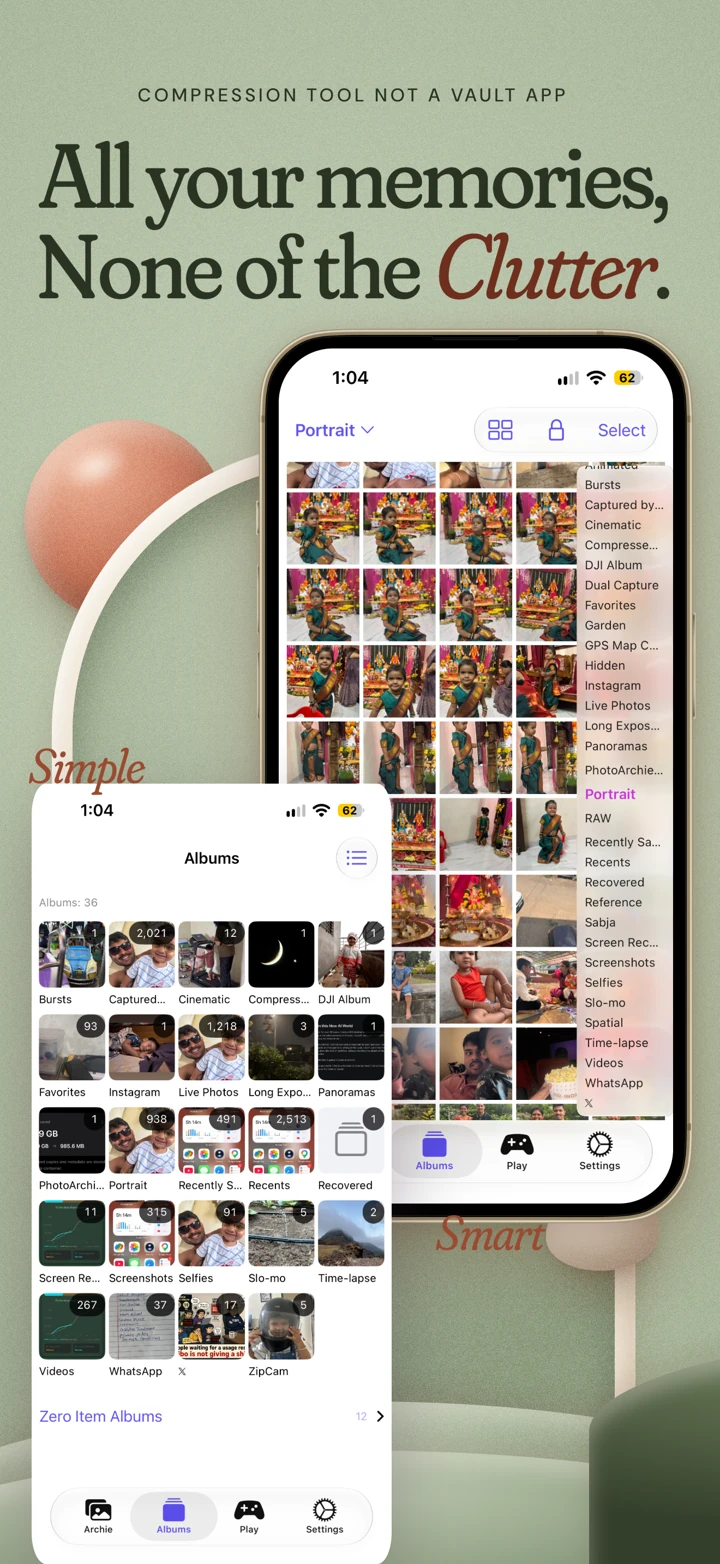
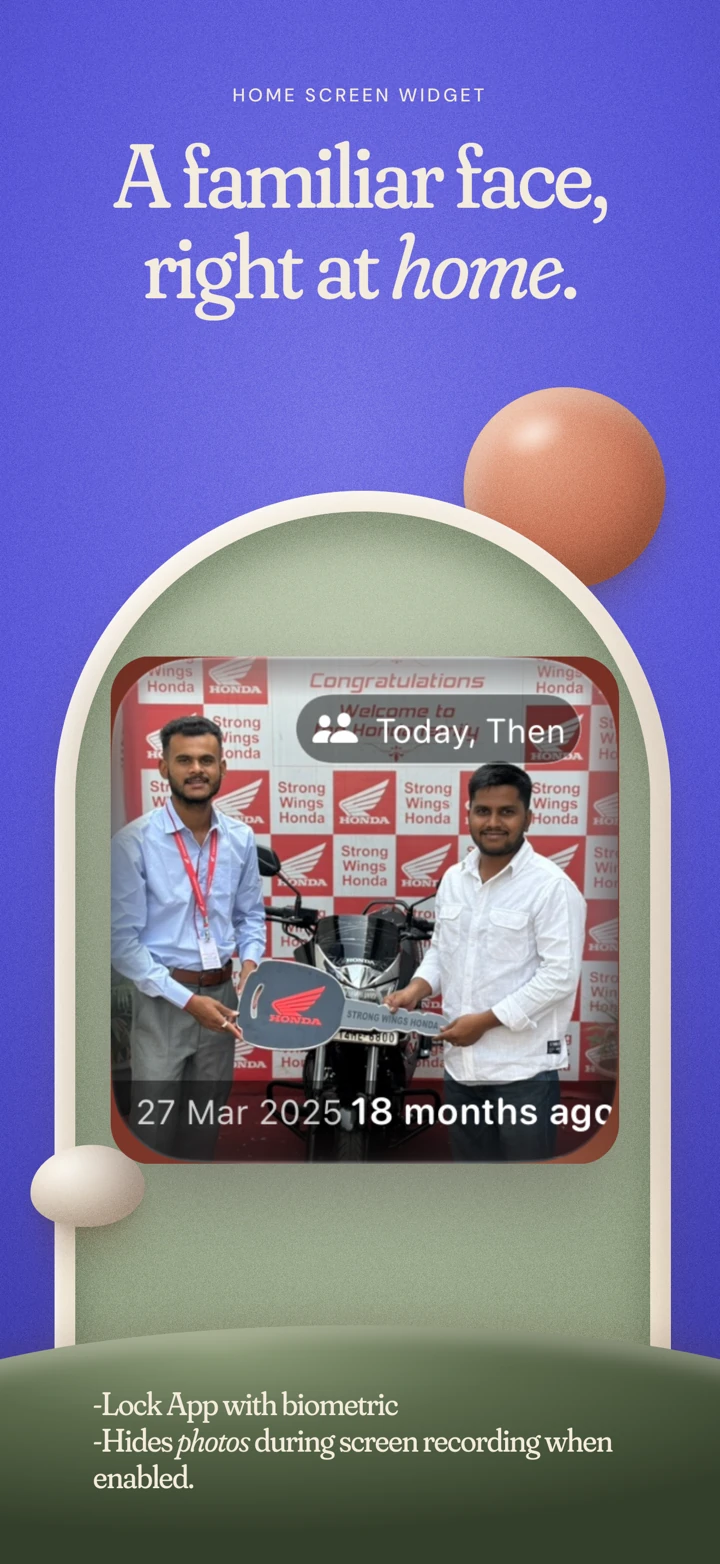
Product screenshots. Compression results vary. Storage figures compare originals with copies; they do not mean originals have been removed.
Compression happens on your device. Optional image selection uses an offline Apple system framework. Purchases use Apple and RevenueCat; app-usage analytics is optional and off by default.
Read the Privacy PolicyAllowance is measured by original file size.
Weekly or yearly auto-renewing subscription. Prices and renewal terms appear in the app before purchase. Restore in PhotoArchie; manage or cancel in Apple Account Settings.
No. PhotoArchie adds smaller viewing copies. Keeping both originals and copies uses additional space. Check the copies, back up your originals separately, then remove originals in Apple Photos yourself when ready. PhotoArchie never deletes originals. If you use iCloud Photos, deleting originals also deletes them from iCloud and synced devices.
Keep a separate backup of important originals. PhotoArchie's compressed copies are for everyday viewing and can lose resolution, detail, or metadata. Use originals for editing, printing, and RAW detail. PhotoArchie is not a cloud backup or an encrypted security vault.
Compression pauses after 3 GB of original media has been successfully compressed. Existing copies remain available in Archie and Albums, with or without a subscription. Storage Saver is required to continue compression and use memory widgets, the game, and Child and Teen Modes.
No. Compression and optional image classification happen on your device. Apple and RevenueCat process purchases; Google processes app-usage analytics only when you enable it and feedback you choose to submit. Device backups may include local app data according to your system settings. Read the Privacy Policy for details.
Both restrict browsing to one album inside PhotoArchie. Child Mode is view-only; Teen Mode permits sharing and removal from PhotoArchie, while Apple Photos originals remain untouched. Exiting in the running app requires device-owner authentication; quitting and reopening the app ends the mode. Use iOS Guided Access for stronger device restrictions. Storage Saver is required.
Free to download · Optional Storage Saver subscription
 ALSO BY GANESH PAWARMeet ZipCamSmaller files for uploads and sharing